Tools, apps and templates I use that make me look like a better designer.
My clients don’t hire me because I know one thing. They hire me because I connect many things.
Being an independent designer means wearing many hats: strategist, creative director, designer, project manager, and sometimes even tech explorer. To make all those roles work together, I need to work smarter, not harder.
That’s why I spend time discovering tools and workflows that help me streamline my process, improve my output, and create better results for my clients (while keeping my own sanity intact).
There are a lot of tools out there, and most of them don’t magically make you a better designer. But the right tools can help you work smarter, present your ideas better, and add that extra layer of polish.
These are five tools I regularly use that help me elevate my work (and maybe make me look a little more impressive than I really am).
“Look, there are more design tools than you’ll ever need, and most of them cost money. Choose wisely. Invest in the ones that genuinely improve your ability to design.” - Dorien
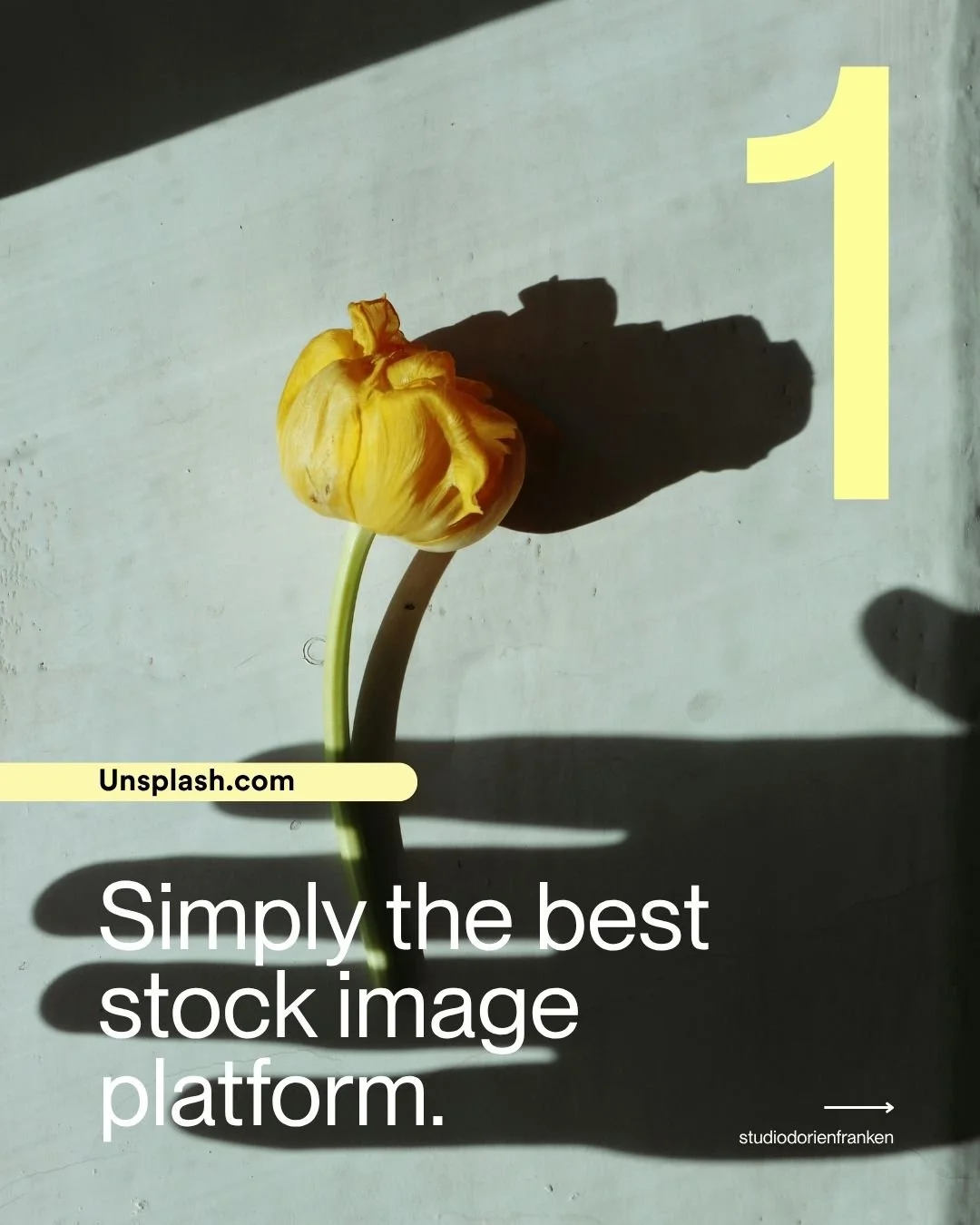
UNSPLASH+
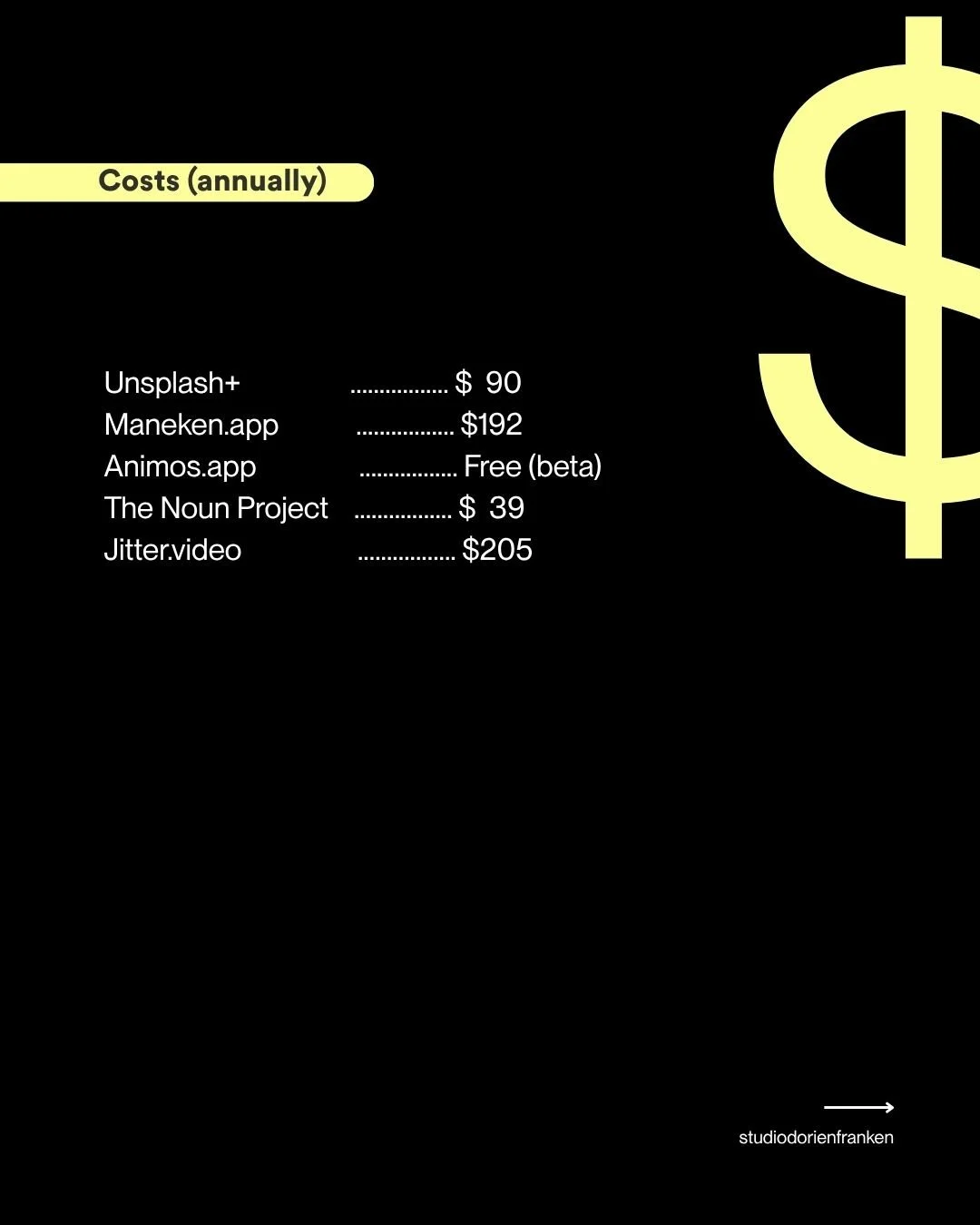
Probably my favourite stock image platform out there. A lot of content is available for free, but if you need more variety, higher-quality images, or something more specific, the Unsplash+ subscription is worth considering.MANEKEN.APP
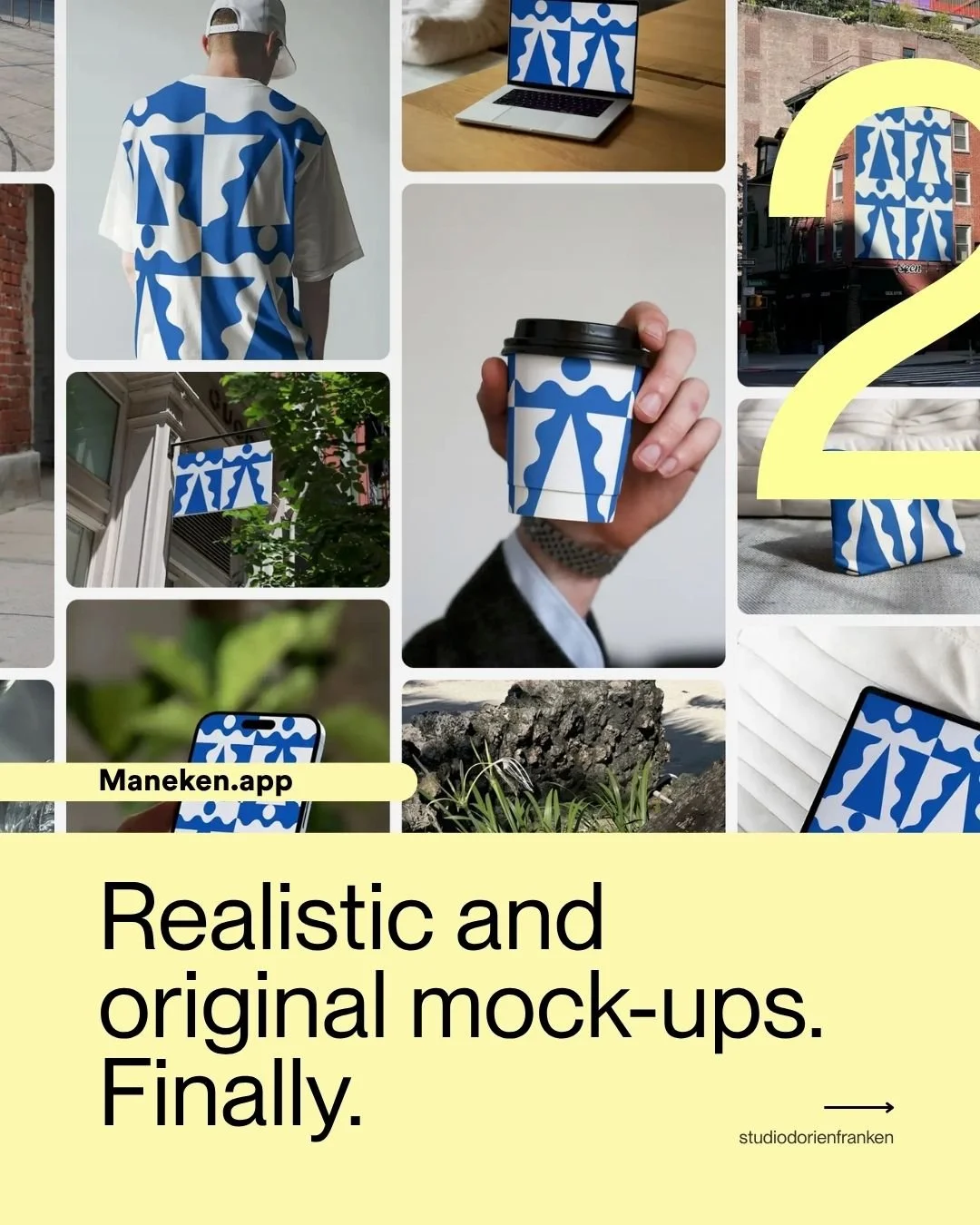
Finally, realistic and stylish mockups that don’t feel like the usual generic templates. I use Maneken a lot for presentations, pitch decks, and creating realistic examples of websites, and social content.ANIMOS.APP
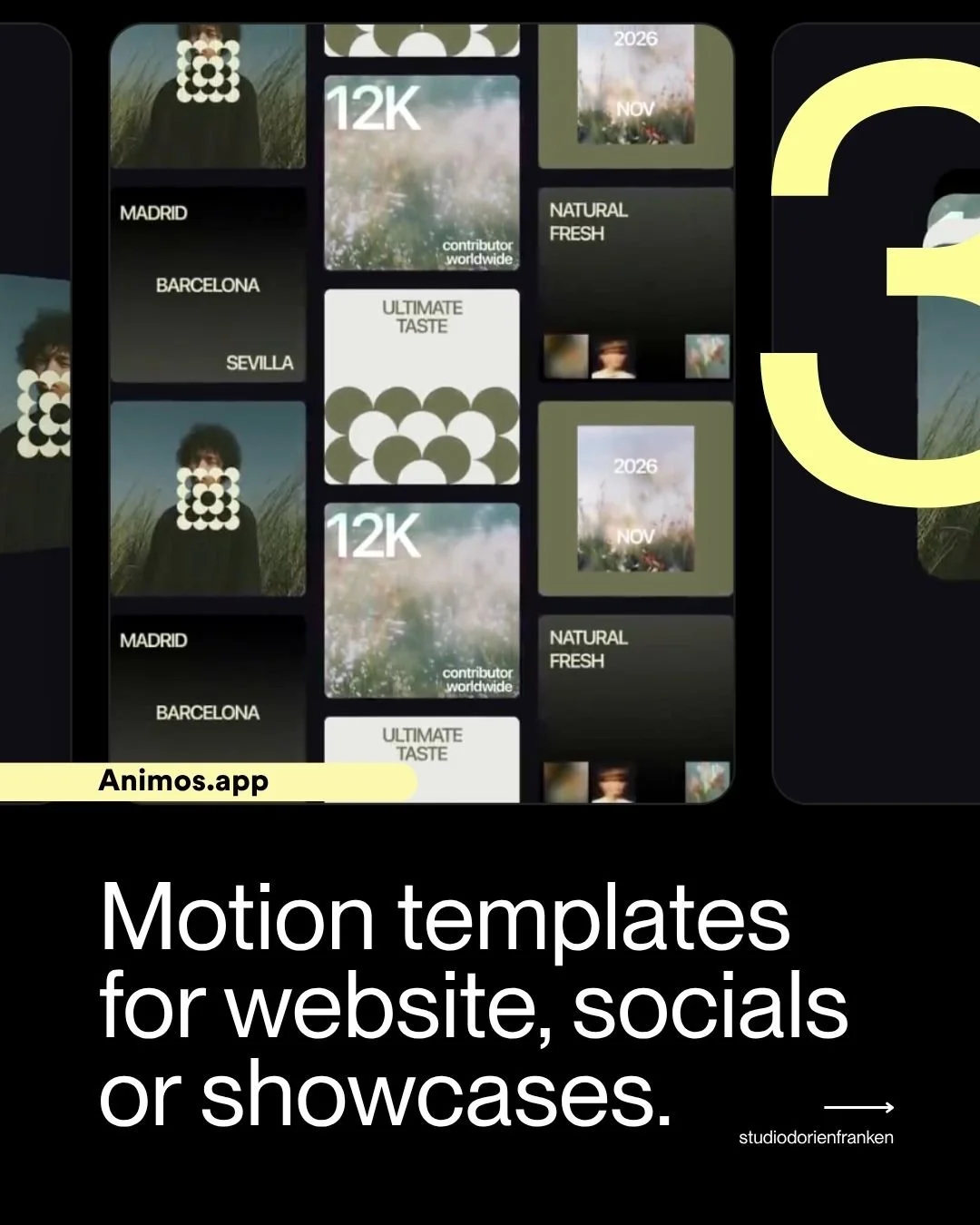
Still in beta (and currently free), but definitely one to keep an eye on. Animos offers simple animation templates that can quickly bring a static design to life without spending hours behind a timeline.THE NOUN PROJECT
When you need an icon, symbol, or visual reference, chances are you’ll find it here. A huge library of icons that saves me a lot of time when developing concepts or design systems.JITTER.VIDEO
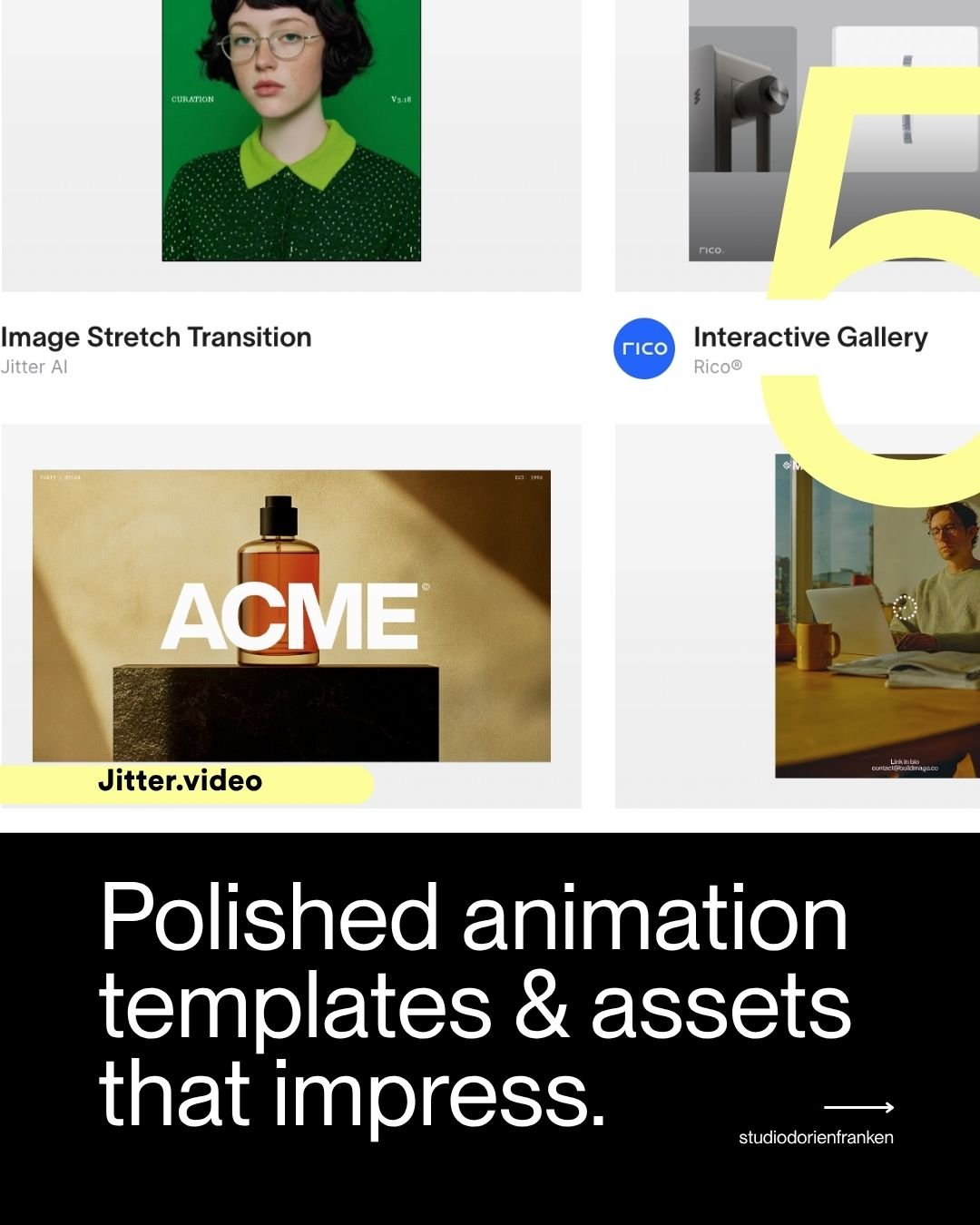
Jitter feels like the next step after Animos. I’m used to creating animations in Adobe After Effects because it gives you complete creative freedom, but it also comes with a steep learning curve.